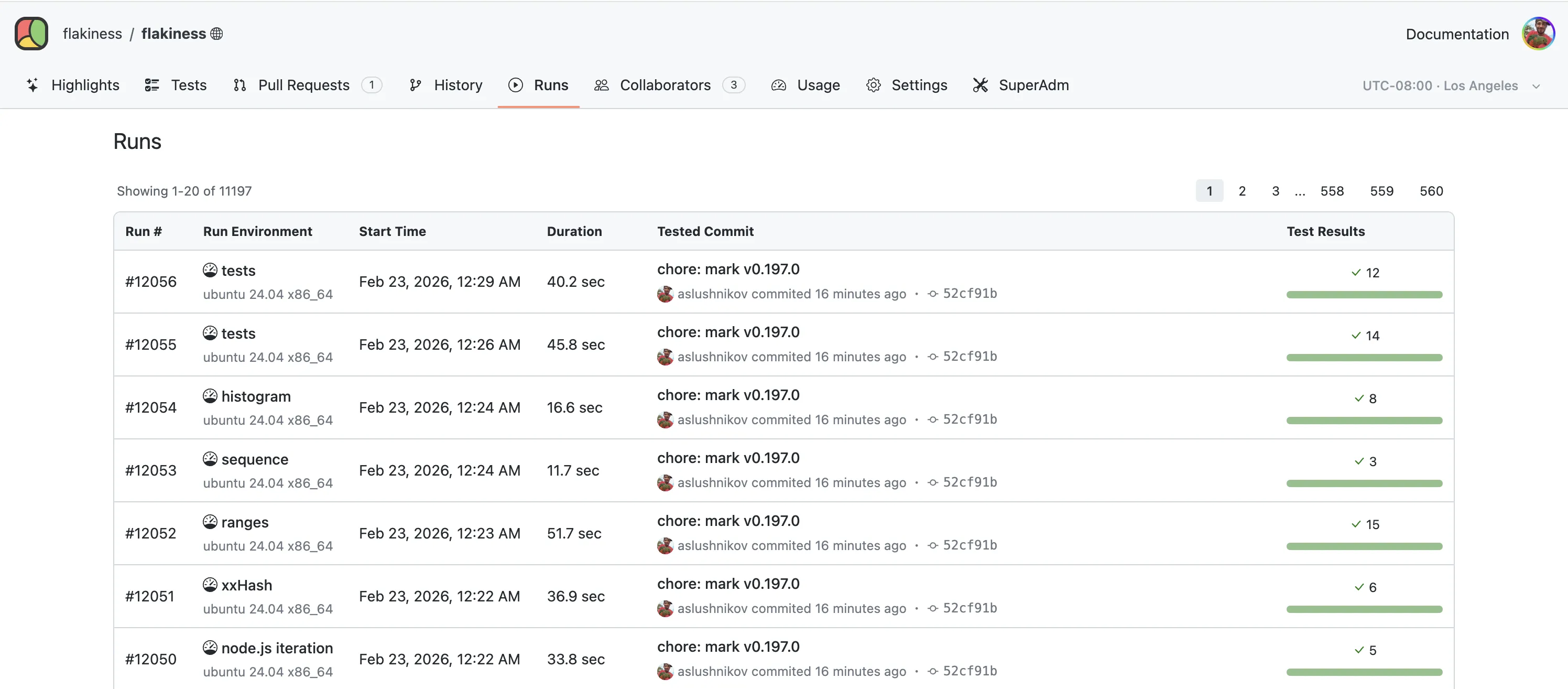
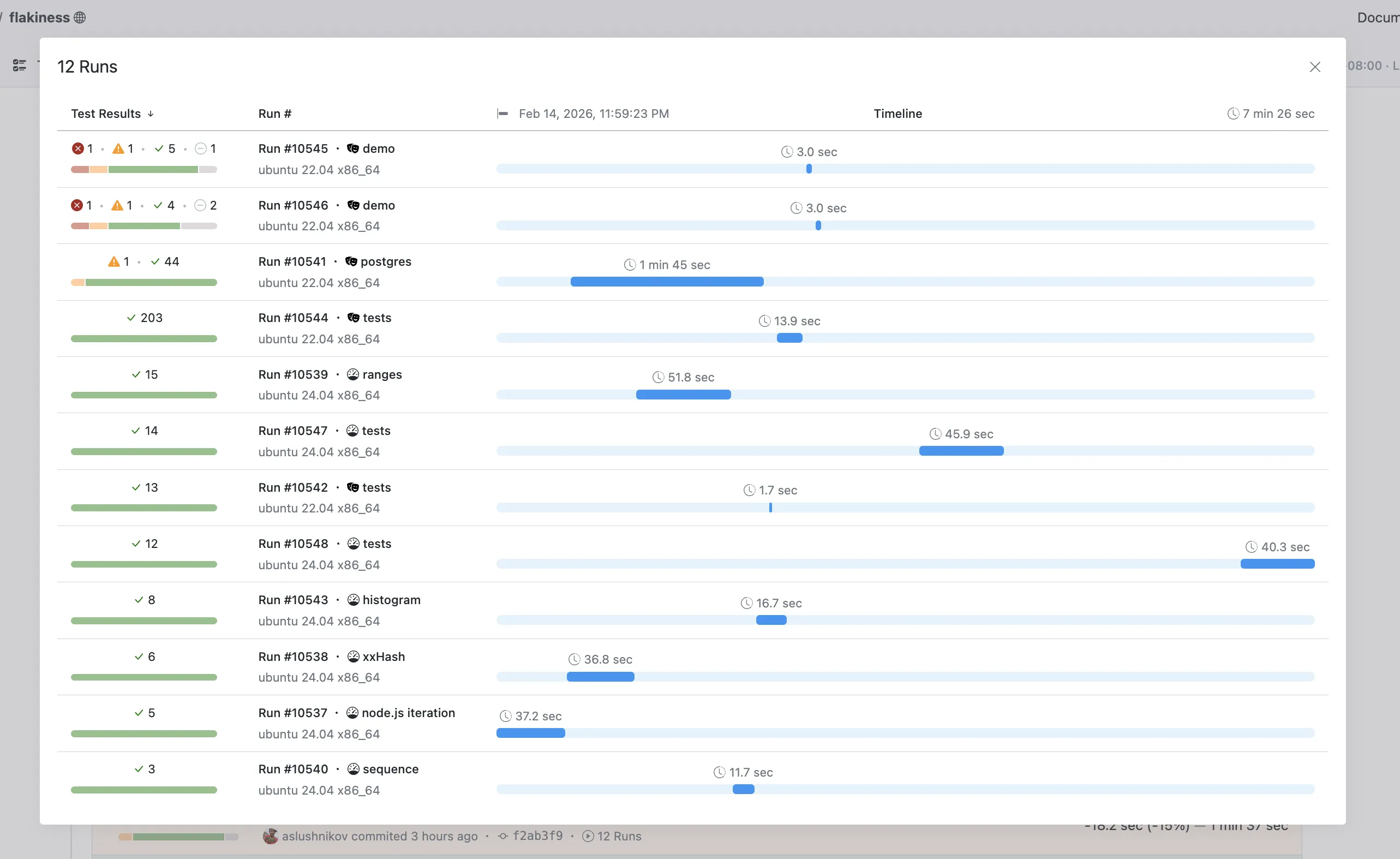
Runs with no environments are now visible. When a test runner crashes early
and reports results without any environment attached, those runs now appear in the
dashboard instead of being silently dropped.
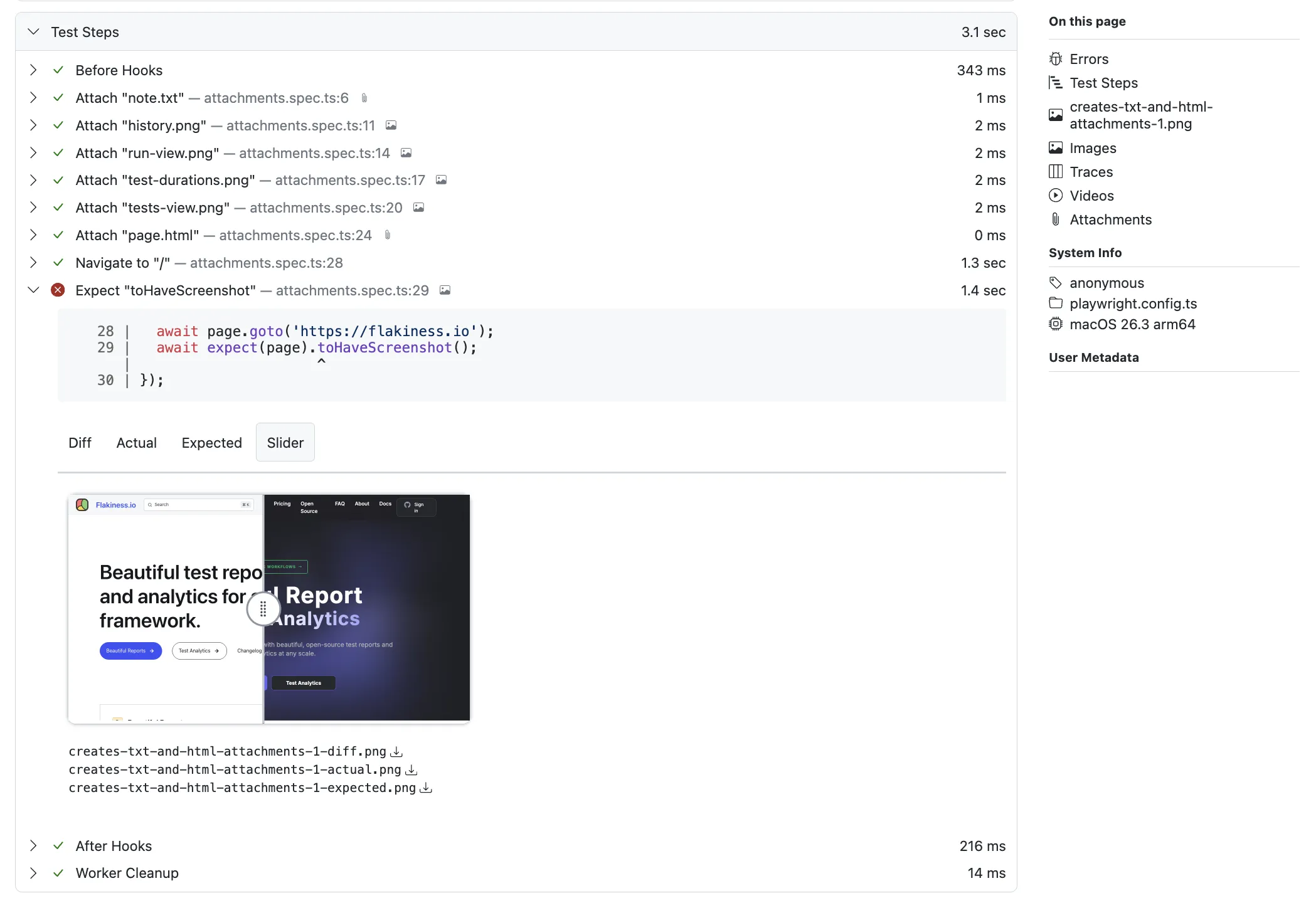
Rich attachments. Test steps now render their own
attachments inline, with first-class support for text (expandable),
images, image diffs, HTML, video, and Playwright traces. Attachments are
attributed to the step that produced them, making failure context much
easier to scan.
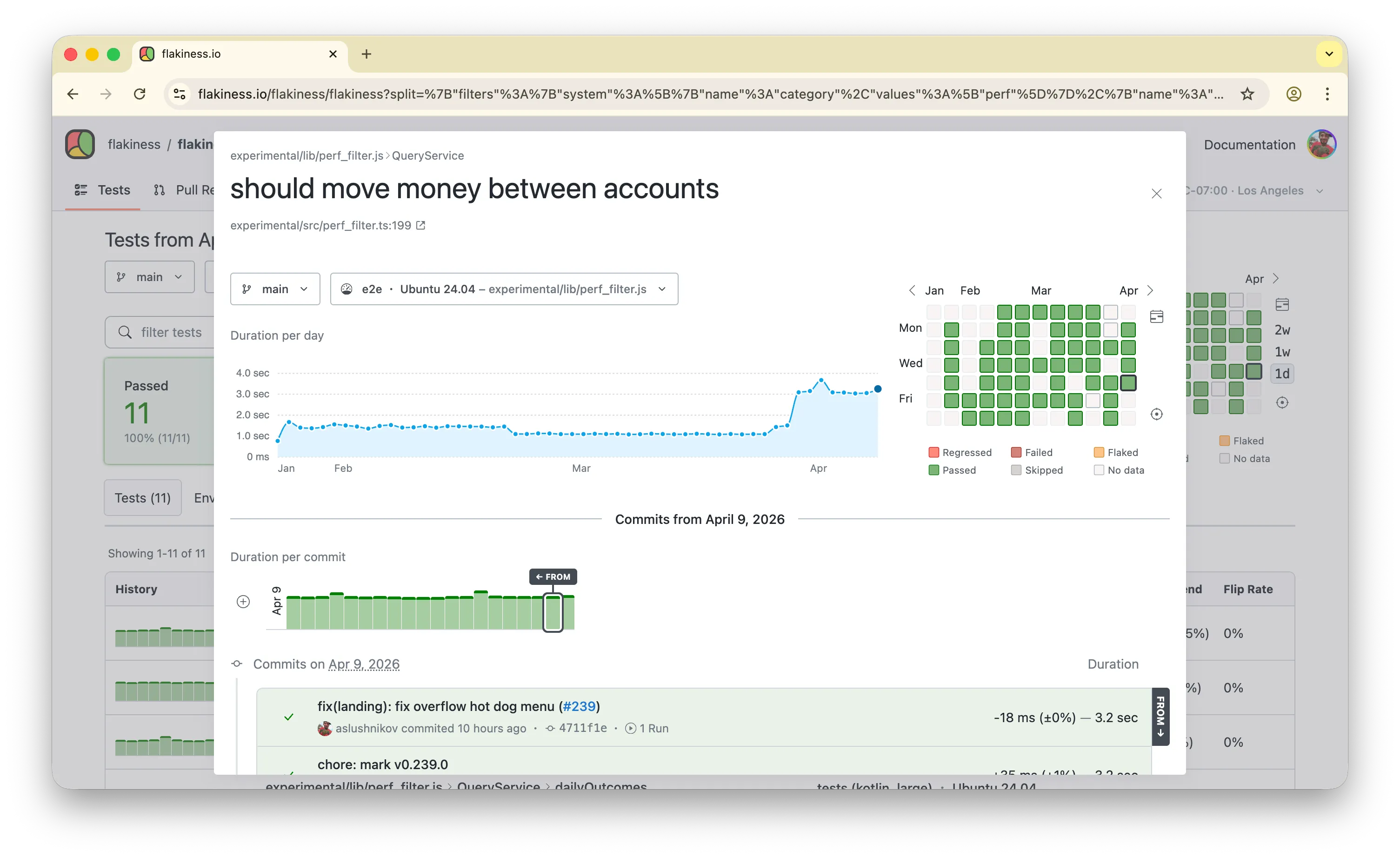
Quick jump to test history. A new “activity” icon next to test name
opens that test’s full history in one click.
Polish & fixes. a collection of assorted small UI cleanups
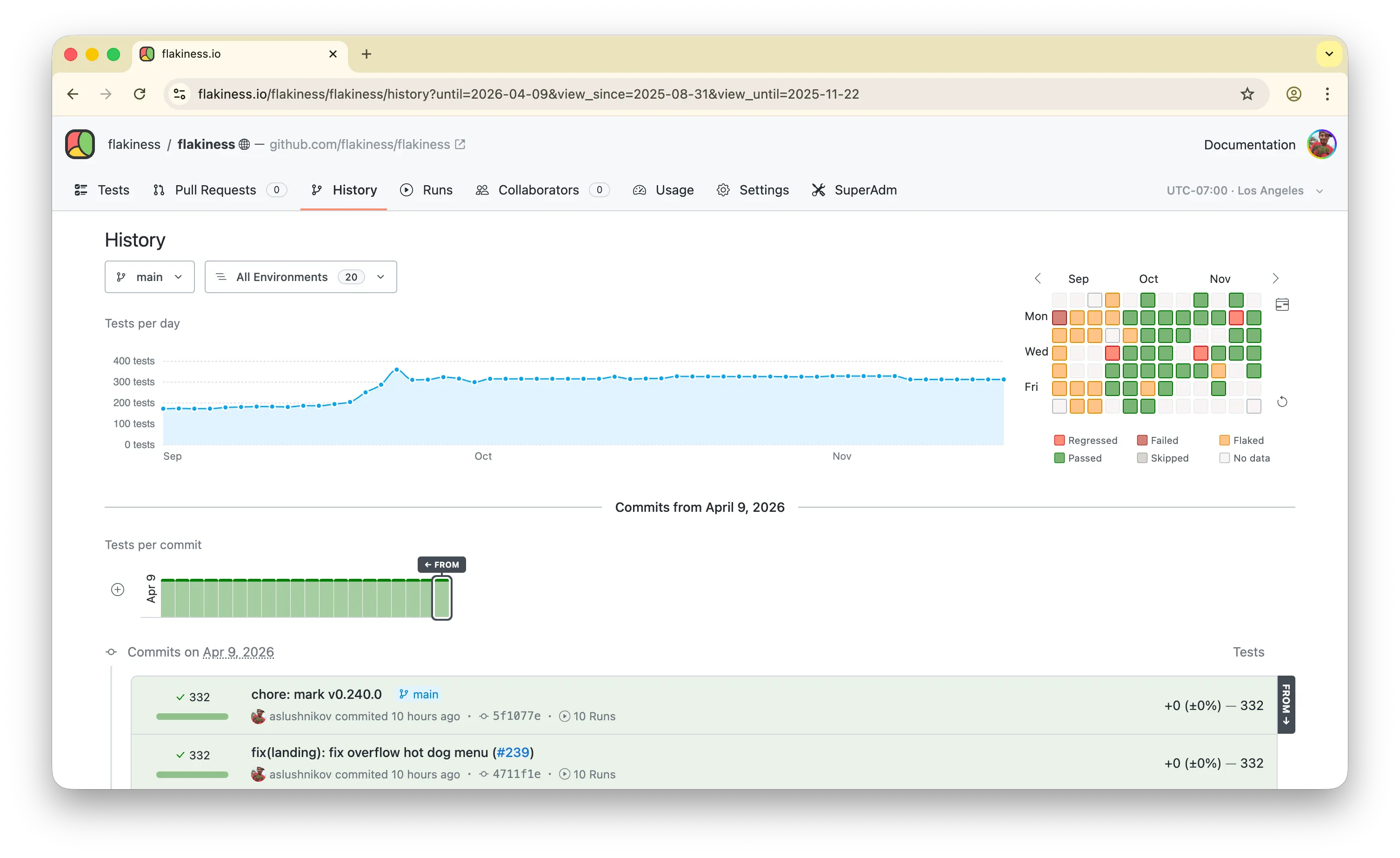
Redesigned history tab. The History view has been rebuilt from the
ground up to allow commit streaming. The new History tab shows test count
and duration trends for the selected 3-month window.
Commits get more context. Commits now display actual head references.
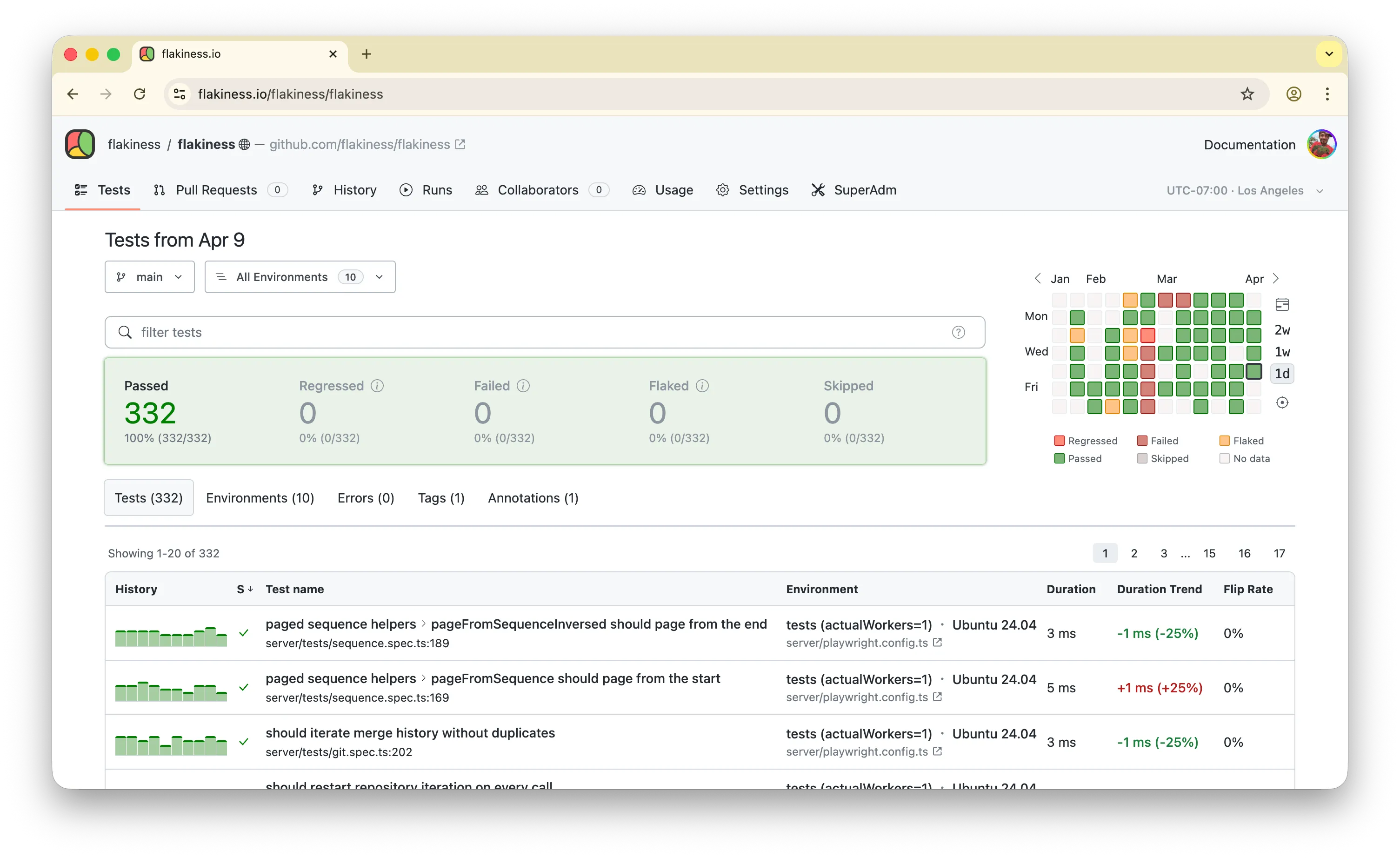
Visual polish. All main screens were polished & de-cluttered. Enjoy the familiar but refreshing interactions!
Open Source Program. Announcing the Flakiness.io Open Source program — any repository with 5,000+ stars on GitHub is eligible for a free Flakiness.io dashboard. Apply via email.
Smarter regression history. Flakiness.io now tracks each test against its own recent commit history instead of a fixed calendar window. This makes regression detection more reliable for projects with infrequent activity and removes the regression window setting.
PR branch labels. Pull requests now show their base and target branches, helping with more complicated branching workflows.
Clearer environment timelines. Timeline rendering is now tied more closely to the selected environment, so reports and commit history stay aligned in projects that test across multiple environments.
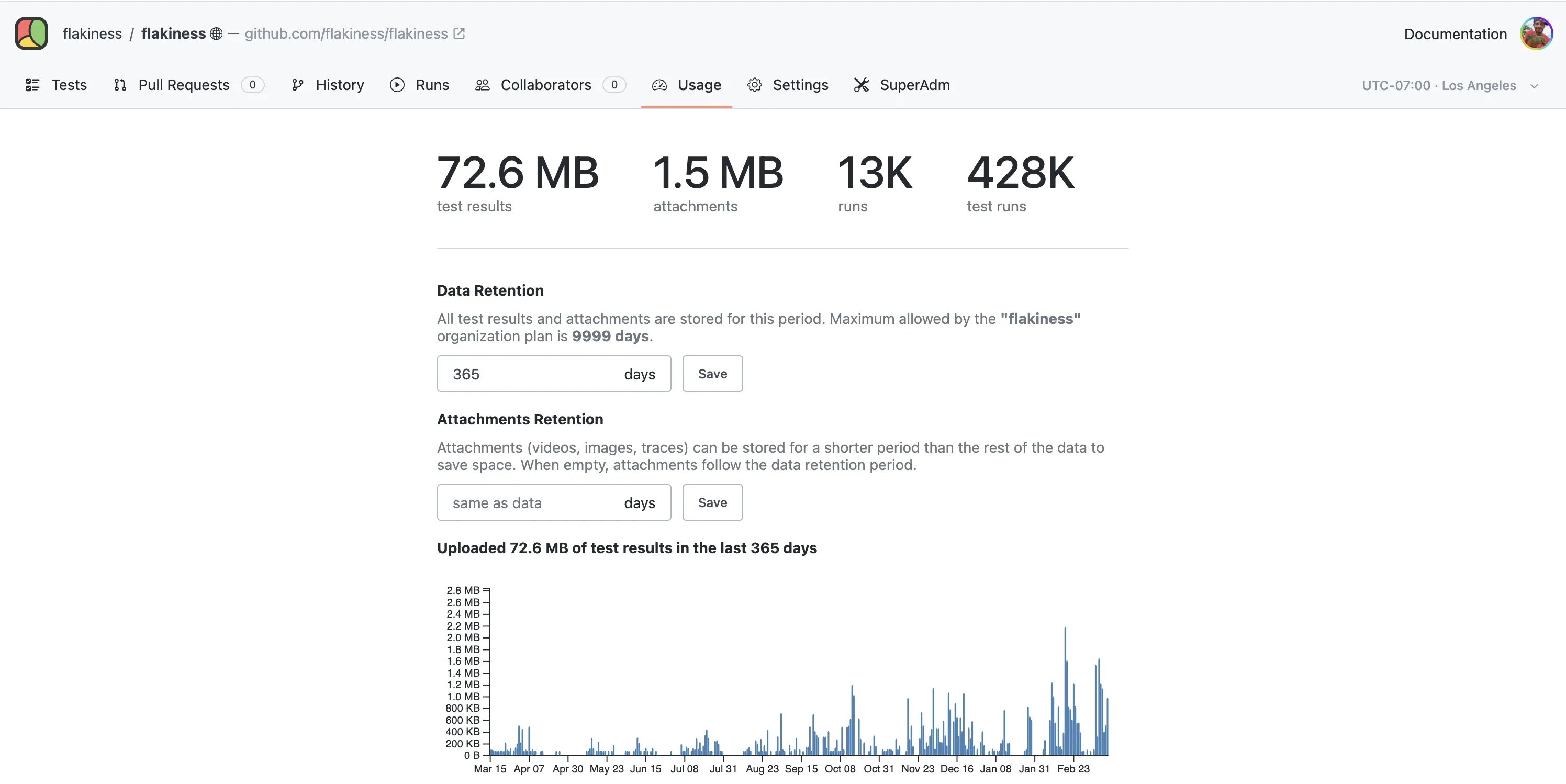
Project-local usage time. Usage views now follow the project’s configured timezone.
Performance and reliability improvements. Dashboard loading is faster, and several history and pull-request edge cases were fixed behind the scenes.
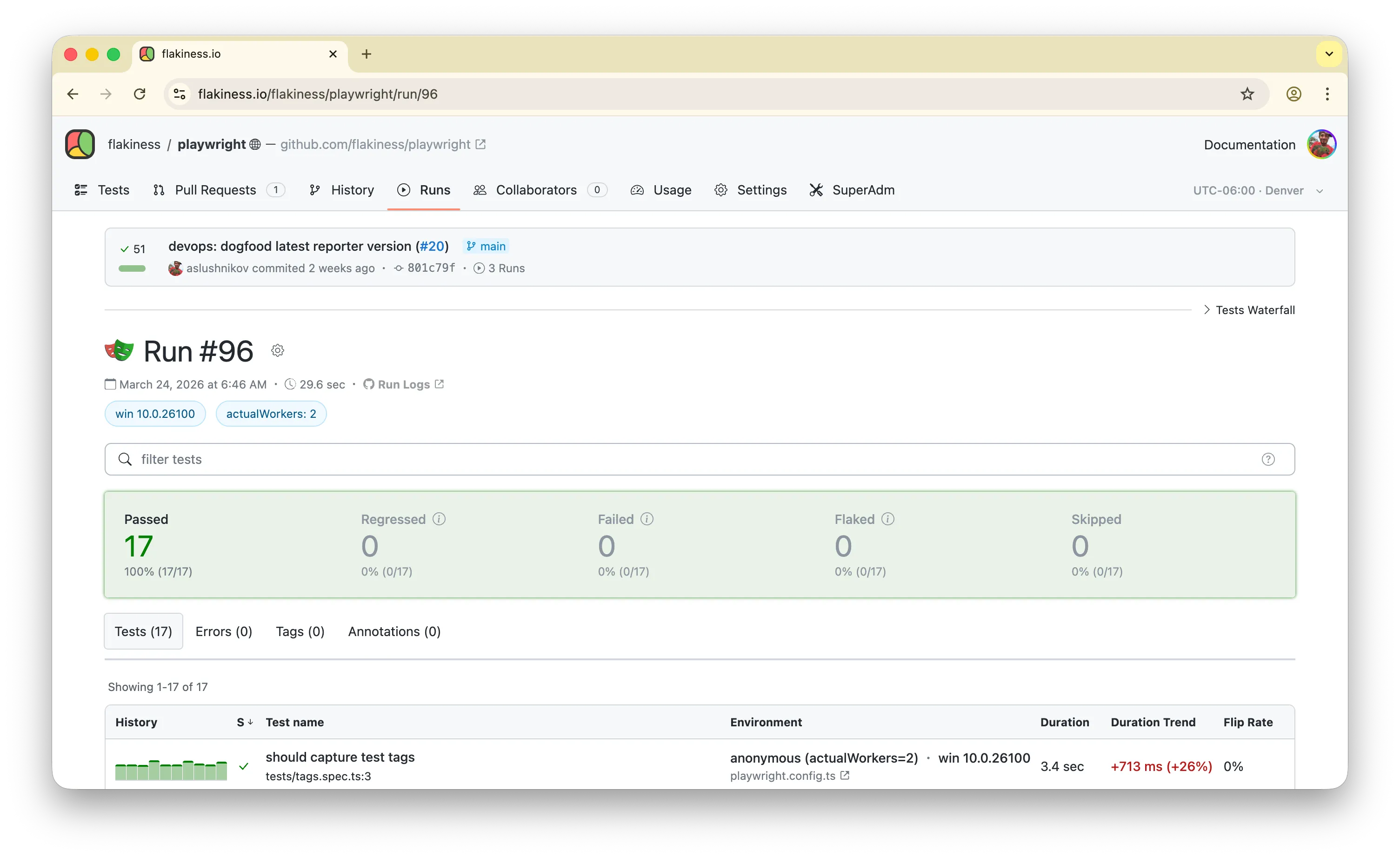
Nicer run view. Runs now display environment attributes and colored test-runner icons, making it easier to scan results at a glance.
Run titles. Test runs can now carry a human-readable title — set it in your reporter config and it’ll appear in the Report Viewer header and in run lists on the platform. See Naming Runs.
Token rotation. Flakiness Access Tokens can now be rotated from project settings, so you can cycle credentials without recreating the project.
CLI: auth whoami → auth status. The command has been renamed to auth status (whoami is kept as an alias).
New runs index. We’ve rebuilt how runs are indexed internally. This is a foundation for a set of upcoming features, including a redesigned history tab.
Cucumber.js support. Flakiness.io now has an official reporter for CucumberJS — bringing BDD-style test suites into the fold alongside Playwright, Vitest, and pytest.
TestNG support. The JUnit converter now understands TestNG XML reports, opening the door for Java teams using TestNG.
Smarter agentic workflows. AI agents can now filter tests by environment, making investigation skills more targeted. Skills also install to your home directory by default for easier setup.
CLI upload progress. The new --progress flag gives you real-time feedback when uploading large batches of reports.
Flakiness CLI v0.218+ introduces Agentic Workflows — AI coding agents can now query your test data, investigate flaky tests, and fix regressions autonomously.
“Which tests have been failing with timeout errors?”
Supports Claude Code, Codex, and Cursor. You can also set up a scheduled GitHub Actions cron job that automatically deflakes your test suite — no human intervention needed.
Github OIDC is now supported for automation. @flakiness/playwrightv1.1.0 is the first
reporter to implement Github OIDC authentication. Configuration docs
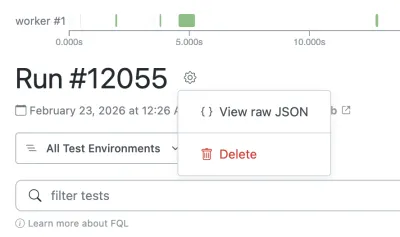
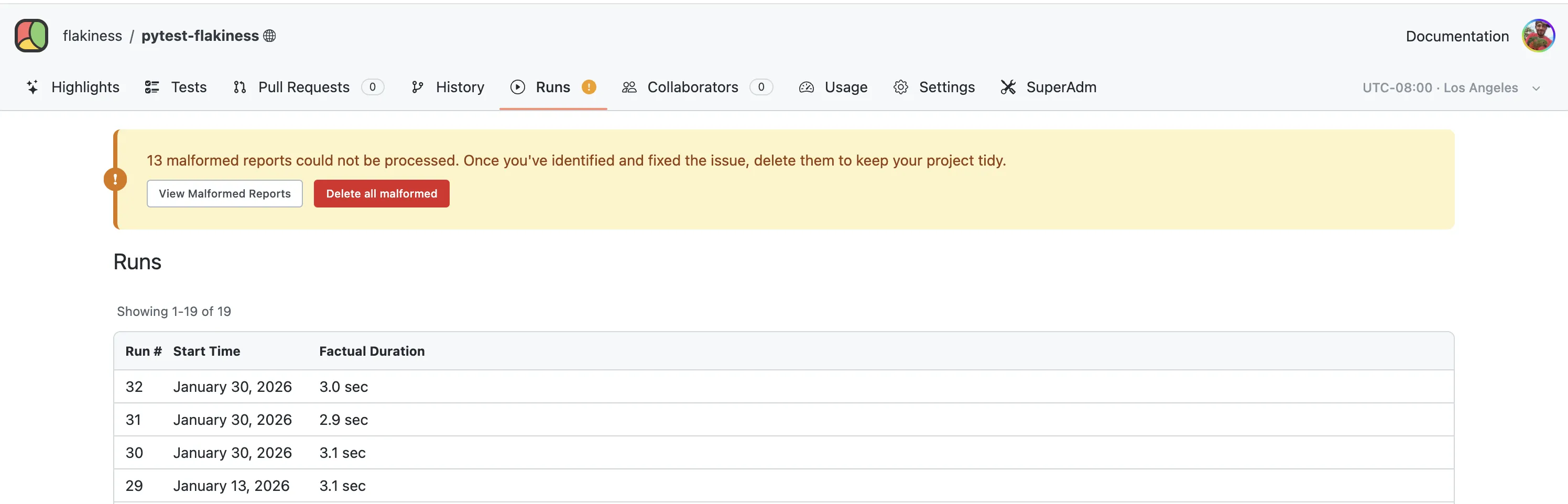
Runs page improvements: no more “unparsed runs”. If Flakiness.io cannot process a run, it now shows an alert icon with a suggestion to delete the malformed runs.
Custom retention period for attachments can now be configured in the project’s usage page.